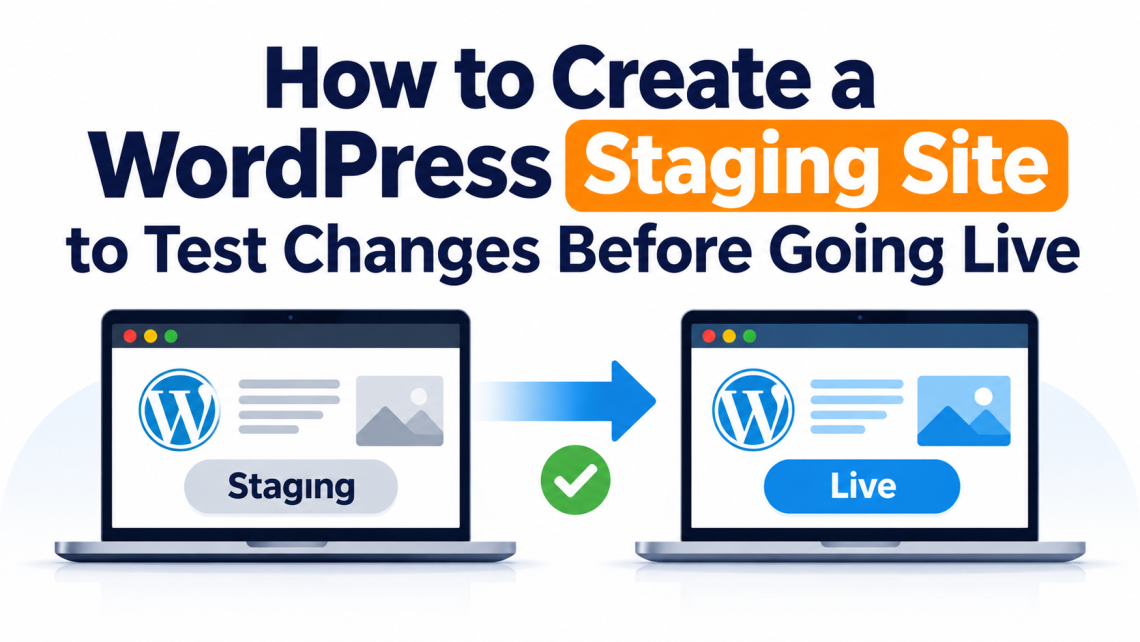
Making changes to a WordPress website can feel straightforward until something goes wrong. A plugin update might affect the layout, a new theme setting could break the mobile view, or a small code adjustment might stop an important feature from working. The problem is not necessarily the change itself. It is making that change directly on a website that visitors are already using. A staging site gives you somewhere to check updates and experiment before applying them to your live website. You can review the results, identify problems, and make corrections without putting your visitors’ experience at risk. In this…
admin
-
-
The Best Ecommerce Tools for Scaling an Online Business Why Ecommerce Tools Matter for Business Growth Ecommerce Platforms for Managing Online Stores Essential Ecommerce Platform Features Inventory Management Tools Customer Relationship Management Tools Ecommerce Marketing Automation Tools Ecommerce Analytics Tools Customer Support Tools Payment and Checkout Tools Shipping and Logistics Tools Choosing the Right Ecommerce Tools Building a Scalable Ecommerce Technology Stack Conclusion Frequently Asked Questions Building an online store is not challenging. However, building a successful business entails more effort than writing product descriptions and bringing traffic to the website. The more effort you invest in an ecommerce business,…
-
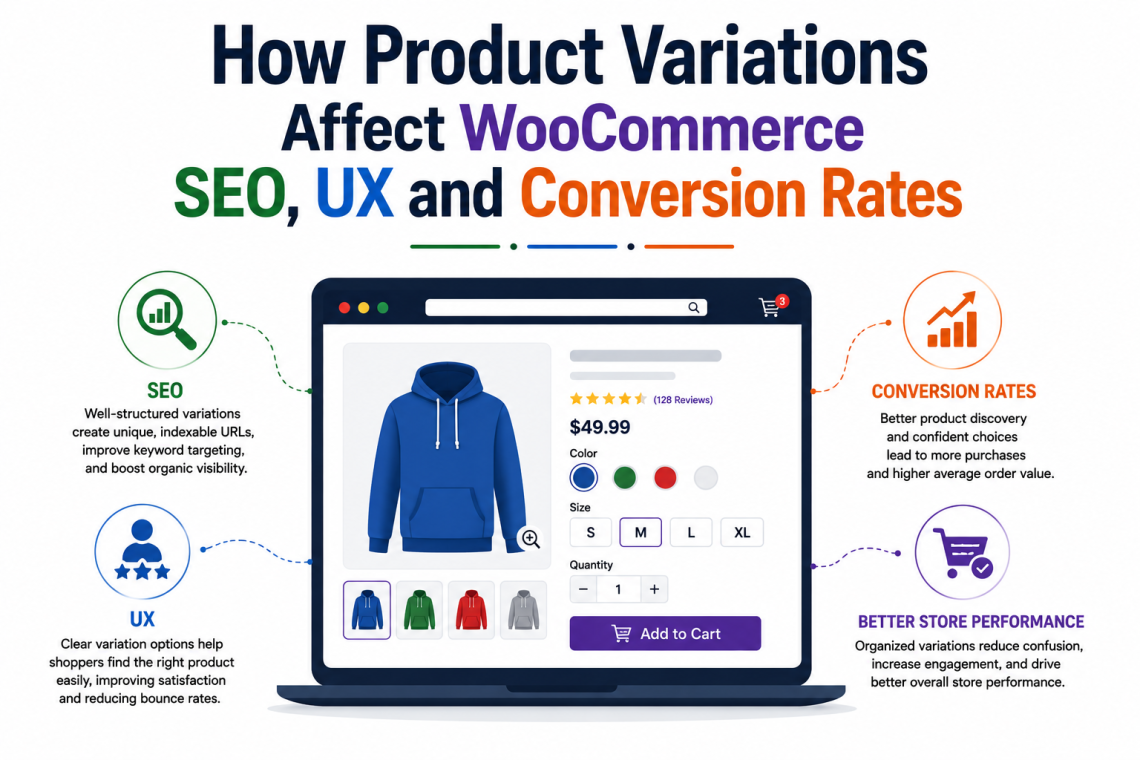
How Product Variations Affect WooCommerce SEO, UX and Conversion Rates Understanding WooCommerce Variations How WooCommerce Product Variations Impact SEO The Keyword Targeting Advantage Managing Duplicate Content Risks Internal Linking and Catalog WooCommerce Variations and User Experience (UX) Visibility and Visual Discovery Interactive Swatches vs. Standard Dropdowns Simplifying the Navigation Journey How Product Variations Drive Conversion Rate Reducing Choice Hesitation Speeding Up the Checkout Process Practices for Displaying WooCommerce Variations Choose the Right Display Mode Optimize Images and Swatches Control Catalog Cleanliness Frequently Asked Questions Conclusion Too many options, too little clarity? Here’s how to make your WooCommerce product variations work…
-
The Best TikTok Shop Plugin for WooCommerce in 2026 The operational reality for WooCommerce sellers What a proper TikTok Shop for WooCommerce integration should cover Automated order import Real-time inventory synchronization Order status and tracking sync Channel-specific pricing control Bulk product management and variation support M2E Cloud: A TikTok Shop Integration for WooCommerce at Scale Conclusion TikTok brings sales fast—but without the right WooCommerce plugin, keeping up with orders can quickly become overwhelming. Most marketplaces, especially major ones like Amazon and eBay are built around search and comparison, while TikTok Shop often starts with attention. On TikTok, discovery happens while…
-
Sell on Multiple Marketplaces with WooCommerce Why Multichannel Selling Matters How WooCommerce Multichannel Integration Works Essential WooCommerce Marketplace Integrations WooCommerce Amazon Integration eBay for WooCommerce Walmart Integration for WooCommerce TikTok Shop, Temu, Shein Simplifying Multichannel Selling with M2E Multichannel Connect Key Benefits of Multichannel Selling Automation Conclusion FAQs When exposure is low, selling on multiple marketplaces is key. Here’s how. If you run a WooCommerce store, you can use it as the base for selling on marketplaces like Amazon, eBay, Walmart, TikTok Shop, Temu, or Shein. You can’t connect WooCommerce to these platforms directly. You need an integration plugin to…
-
Top 15+ Plugins for WooCommerce in 2026: A Complete Guide 15+ Must-Have WordPress Plugins for WooCommerce Stores 1. Banner Images for WooCommerce 2. StoreOne 3. EU Energy Label for WooCommerce 4. Smart Coupons for WooCommerce 5. Yoast SEO 6. wiseCampaign – WooCommerce Conversion & Marketing Toolkit 7. eCommerce Marketing Automation 8. Booking for Appointments and Events Calendar 9. Sequential Order for WooCommerce 10. Multiple Shipping Addresses for WooCommerce 11. PDF Invoices and Packing Slips 12. Google Analytics 13. WooCommerce Shipping Labels 14. Schema & Structured Data for WP & AMP 15. User Import Export for WooCommerce 16. MainWP Child 17. GDPR…
-
Stop WordPress Spam Comments Without a Plugin Guide Understanding WordPress Spam Comments Why Avoid Using Plugins for Spam Protection Configure WordPress Discussion Settings Properly Use Comment Blacklists Effectively Require User Registration to Comment Use Server-Level Techniques to Block Spam Best Practices for Long-Term Spam Prevention Conclusion FAQS If spam comments won’t stop. Follow this guideline below to block them in WordPress—no plugin required. Are WordPress spam comments quietly wrecking your WordPress site while you pretend it’s not a big deal? It usually starts small. One odd comment. A strange link. You ignore it. Then one morning, your comment section looks…
-
How to Optimize WordPress Database for Speed Checklist Understanding the Role of the Database in WordPress Performance Common Causes of Database Bloat Why Database Optimization Improves Speed Always Start with a Full Backup Limiting Post Revisions Safely Removing Unused and Orphaned Data Database Table Optimization Explained Using Plugins vs Manual Optimization Scheduling Regular Maintenance Hosting-Level Database Enhancements Monitoring Performance After Optimization Common Mistakes to Avoid Creating a Long-Term Database Strategy (Without Losing Data) Conclusion FAQS When plugins and themes aren’t the issue, your database is the next place to optimize. Here’s how. Have you ever opened your own website and…
-
Quick Checklist: Must-Have Plugins for Customizing Your Apparel eCommerce Store Why Customization Matters for Apparel Stores 1. Elementor – Design Without Limits 2. WooCommerce Customizer – Quick Tweaks Made Easy 3. StoreOne – All-in-One WooCommerce Growth Toolkit 4. Variation Swatches for WooCommerce – Better Product Options 5. YITH WooCommerce Compare – Help Customers Choose 6. WooCommerce Lookbook – Inspire Your Shoppers 7. WooCommerce Pre-Order – Sell Before Launch 8. ShopEngine – All-in-One WooCommerce Solution 9. Advanced Product Labels – Highlight What’s Hot 10. Live Chat Plugins – Instant Support Builds Trust 11. Retainful – Boost Repeat Sales Conclusion: Choosing the…
-
How to Fix Elementor Checklist Why Elementor Gets Stuck or Refuses to Load Step 1: Clear Your Browser Cache & Switch Browser Step 2: Increase Your PHP Memory Limit Step 3: Check for Plugin Conflicts Step 4: Switch to a Default Theme Step 5: Check Elementor, WordPress & Plugin Versions Step 6: Clear CDN Cache (Cloudflare Users) Step 7: Turn on Elementor Safe Mode Step 8: Regenerate CSS and Sync Library Step 9: Check PHP Version, Server Resources & File Permissions Step 10: Disable Optimisers and Caching Plugins Step 11: Enable WP Debug Mode to Spot Errors Step 12: Reinstall…