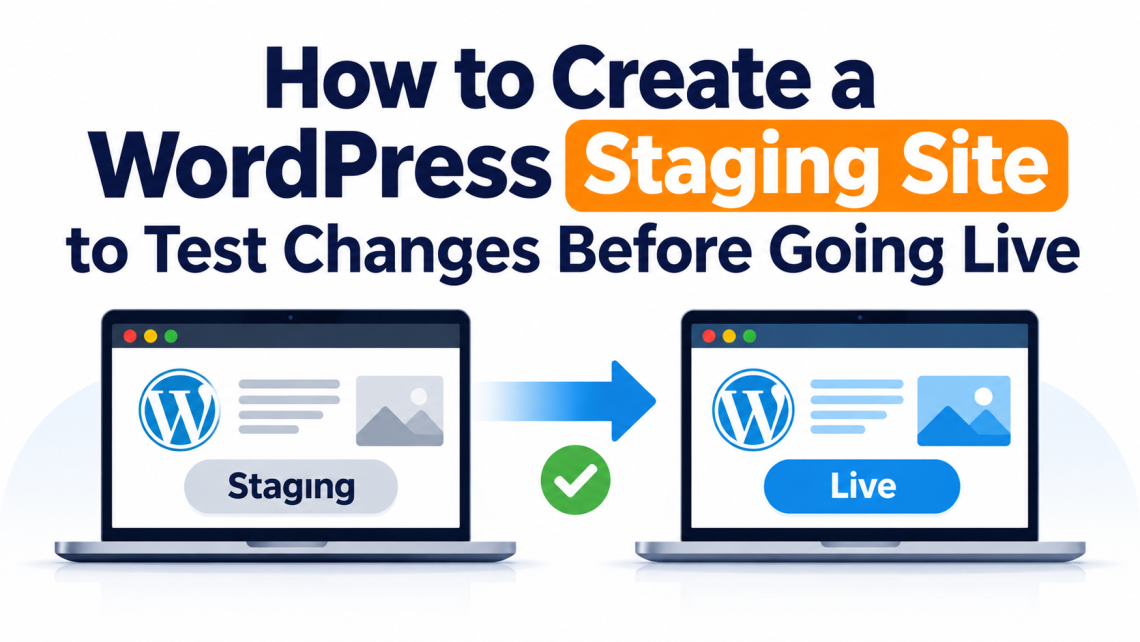
Making changes to a WordPress website can feel straightforward until something goes wrong. A plugin update might affect the layout, a new theme setting could break the mobile view, or a small code adjustment might stop an important feature from working. The problem is not necessarily the change itself. It is making that change directly on a website that visitors are already using. A staging site gives you somewhere to check updates and experiment before applying them to your live website. You can review the results, identify problems, and make corrections without putting your visitors’ experience at risk. In this…
wordpress
-
-
Top 15+ Plugins for WooCommerce in 2026: A Complete Guide 15+ Must-Have WordPress Plugins for WooCommerce Stores 1. Banner Images for WooCommerce 2. StoreOne 3. EU Energy Label for WooCommerce 4. Smart Coupons for WooCommerce 5. Yoast SEO 6. wiseCampaign – WooCommerce Conversion & Marketing Toolkit 7. eCommerce Marketing Automation 8. Booking for Appointments and Events Calendar 9. Sequential Order for WooCommerce 10. Multiple Shipping Addresses for WooCommerce 11. PDF Invoices and Packing Slips 12. Google Analytics 13. WooCommerce Shipping Labels 14. Schema & Structured Data for WP & AMP 15. User Import Export for WooCommerce 16. MainWP Child 17. GDPR…
-
Stop WordPress Spam Comments Without a Plugin Guide Understanding WordPress Spam Comments Why Avoid Using Plugins for Spam Protection Configure WordPress Discussion Settings Properly Use Comment Blacklists Effectively Require User Registration to Comment Use Server-Level Techniques to Block Spam Best Practices for Long-Term Spam Prevention Conclusion FAQS If spam comments won’t stop. Follow this guideline below to block them in WordPress—no plugin required. Are WordPress spam comments quietly wrecking your WordPress site while you pretend it’s not a big deal? It usually starts small. One odd comment. A strange link. You ignore it. Then one morning, your comment section looks…
-
How to Fix Elementor Checklist Why Elementor Gets Stuck or Refuses to Load Step 1: Clear Your Browser Cache & Switch Browser Step 2: Increase Your PHP Memory Limit Step 3: Check for Plugin Conflicts Step 4: Switch to a Default Theme Step 5: Check Elementor, WordPress & Plugin Versions Step 6: Clear CDN Cache (Cloudflare Users) Step 7: Turn on Elementor Safe Mode Step 8: Regenerate CSS and Sync Library Step 9: Check PHP Version, Server Resources & File Permissions Step 10: Disable Optimisers and Caching Plugins Step 11: Enable WP Debug Mode to Spot Errors Step 12: Reinstall…