
Top 15+ Plugins for WooCommerce in 2026: A Complete Guide
- 15+ Must-Have WordPress Plugins for WooCommerce Stores
- 1. Banner Images for WooCommerce
- 2. EU Energy Label for WooCommerce
- 3. Smart Coupons for WooCommerce
- 4. Yoast SEO
- 5. eCommerce Marketing Automation
- 6. Booking for Appointments and Events Calendar
- 7. Sequential Order for WooCommerce
- 8. Multiple Shipping Addresses for WooCommerce
- 9. PDF Invoices and Packing Slips
- 10. Google Analytics
- 11. WooCommerce Shipping Labels
- 12. Schema & Structured Data for WP & AMP
- 13. User Import Export for WooCommerce
- 14. MainWP Child
- 15. GDPR Cookie Consent Plugin
- 16. WooCommerce Stripe Payment Gateway
- 17. Product Import Export for WooCommerce
- 18. Accessibility Toolkit by WebYes
- 19. WooCommerce Product Feed
- Conclusion
Slow store or low conversions? Here are the best WooCommerce plugins for 2026 that improve speed, checkout, and overall performance.
WooCommerce is one of the best platforms to set up online stores, and plugins allow you to use all of its features.
Every owner of an online store has different problems. Some want to grow their sales, some want to make their store easier to run, some want to satisfy customers, and still others wish to stick to rules and maintain their store’s security.
The plugins you select are important. Your store can function more quickly, smoothly, and successfully with the correct plugins. Additionally, they can help in changing visitors into regular customers.
In this article, we’ve handpicked the top 15+ plugins for WooCommerce that every store should consider.
15+ Must-Have WordPress Plugins for WooCommerce Stores
This list provides useful solutions for WooCommerce stores of all sizes, whether you’re trying to manage orders, automate email marketing, integrate WordPress Payment Plugins, enhance checkout procedures, or optimize SEO.
1. Banner Images for WooCommerce
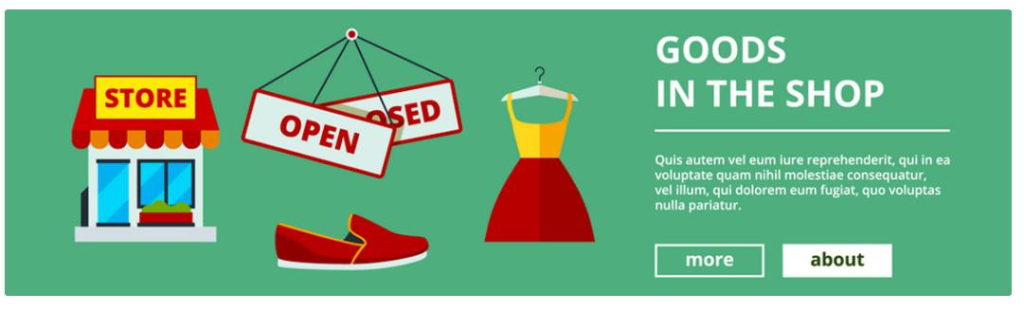
Want your store to pop the moment someone lands on it? WooCommerce Banner Images does exactly that. It lets you drop eye-catching banners across your shop, product, and even checkout pages. You can shout about sales, tease new arrivals, or make your store look alive. Just upload your image, add a catchy line, and a link, and you’re done.
The banners fit perfectly on any screen, big or small. It even helps with SEO through alt text. Works smoothly with Elementor, Divi, and all the usual suspects. Pretty neat, right?
And the best part? You stay in control. Turn banners on or off whenever you like, and keep them quiet after a sale ends. You can tweak every banner for each page or product. It’s flexible, fast, and friendly.
Plus, it is translation-ready, so your promos can reach everyone. Whether it’s a cozy handmade shop or a massive online brand, this plugin gives your WooCommerce store that bold, polished, “can’t-miss-this” look.
2. EU Energy Label for WooCommerce
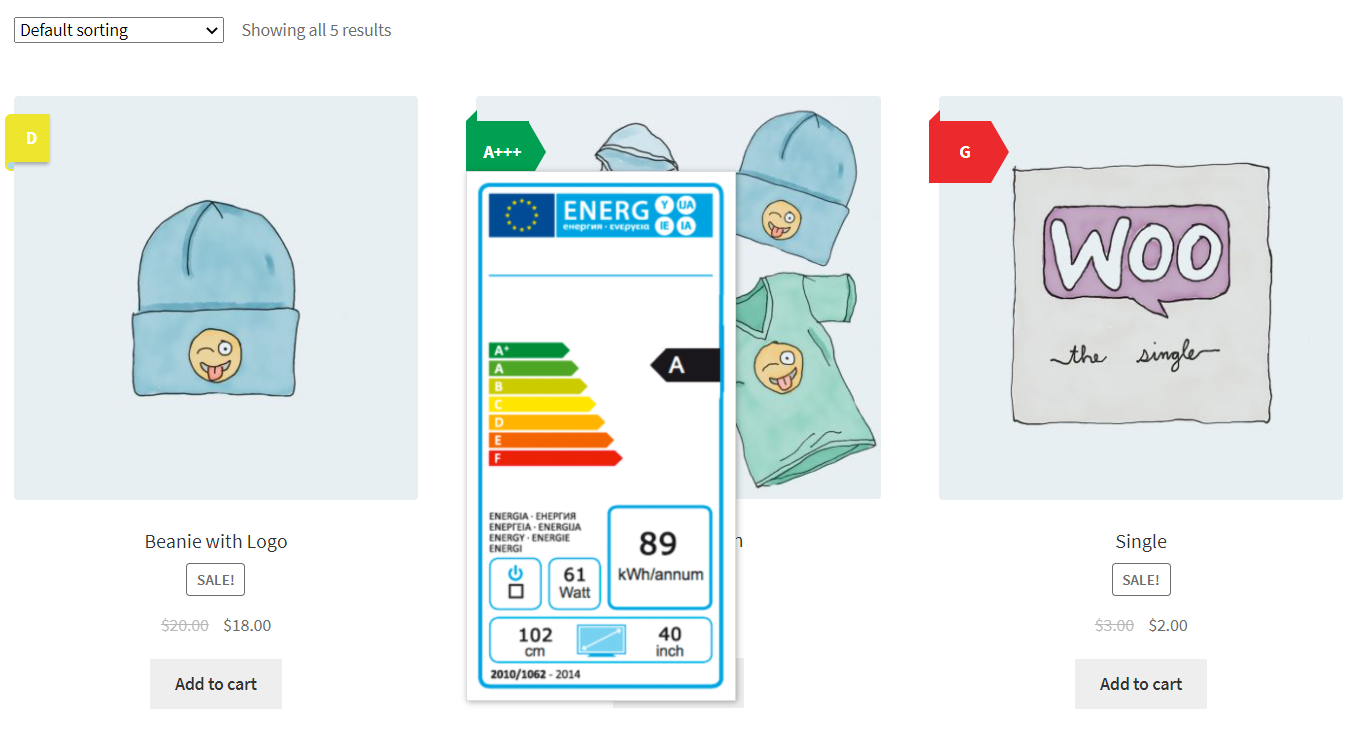
Selling electronics or anything that uses power? You need the EU Energy Label Plugin for WooCommerce. It keeps your store compliant with EU rules and adds those official energy labels right beside your products. Easy setup. Zero stress.
It works for both old and new EU label formats. Customers hover over the icon, and a neat tooltip shows the full label. They instantly see the product’s efficiency. Transparency like that builds trust. And honestly, it makes your store look professional too.
But there’s more to it than just compliance. It tells your shoppers you care about the planet and honesty. You can manage everything globally or per product. Change where labels sit, upload your own tooltip image, whatever fits your style. Works fine with Elementor, Divi, Flatsome, you name it.
Plus, it’s multilingual and mobile-friendly. A small detail, but it says a lot about your brand. It’s the quiet confidence of a store that knows what it’s doing.
3. Smart Coupons for WooCommerce
Discounts and promotional offers are really essential to lure new customers and retain the patronage of loyal ones. If you happen to be the owner of a WooCommerce store, you might be in search of how to create and maintain these attracting offers.
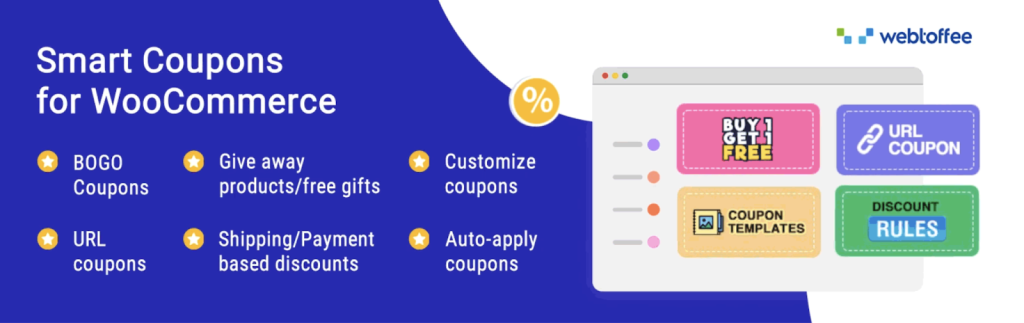
That’s where the Smart Coupons for WooCommerce plugin comes in. It therefore lets the merchants offer a good number of WooCommerce coupons and BOGO deals quite effortlessly.
With Smart Coupons for WooCommerce, store owners can easily build different kinds of coupons, from simple discounts to more complex offers based on the cart contents or order history. The plugin also gives you the ability to set up auto-apply coupons and schedule promotions for later dates.
It implies that through the existing discounts, such as signup coupons and cart abandonment offers, which can all essentially lead to increased sales, you can customize buyers’ experience according to the time and demands.
The main characteristics of the Woo discount rules plugin are store credits, buy-one-get-one-free deals, and the option to set up complex coupon restrictions. Moreover, it enables the application of coupons based on URLs and sending coupons via email, which are ways merchants can promote their offers easily and effectively.
4. Yoast SEO
Showing up in search engine results can greatly increase traffic and sales for every WooCommerce store. But having top-quality products is not enough if you do not have good SEO practices.
Here is where Yoast SEO makes its entry. It’s one of the most reliable plugins for improving a WordPress site’s SEO performance.
This handy plugin helps you optimize on-page elements like meta descriptions, headings, and keywords. It provides practical suggestions to enhance content readability and keyword relevance.
Also it helps manage canonical URLs and create XML sitemaps. With Yoast SEO, even store owners who aren’t tech-savvy can enhance their search visibility.
5. eCommerce Marketing Automation
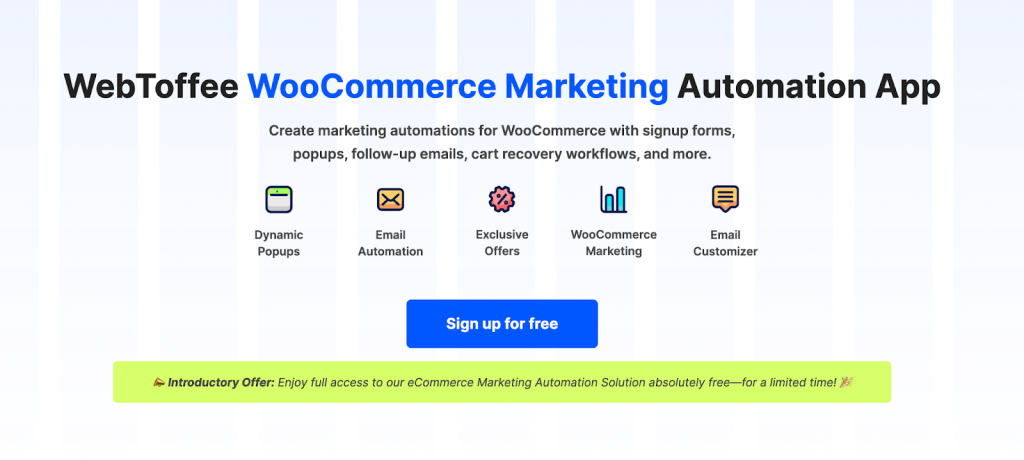
Marketing automation can greatly improve the efficiency of a WooCommerce store. Handling communications and customer engagement can make a big impact on a business’s efficiency.
Of course, entrepreneurs have a hard time when they need to do everything by hand, but when they see email marketing statistics about how effective an automated email can be, things become more important.
Here is where eCommerce Marketing Automation, or EMA, enters into the picture.
EMA can be easily integrated with WooCommerce to allow personalized emails for marketing,Cart abandonment, and follow-up emails after purchase. The store owner can establish automated systems where particular messages are sent based on responses from consumers.
Some of the most interesting functions available include ready-to-use popup automation templates, an easy-to-use email customizer dashboard, and simple integration with WooCommerce.
Such functions can empower online store owners to design targeted emails not only for making sales but for creating a loyal clientele.
6. Booking for Appointments and Events Calendar
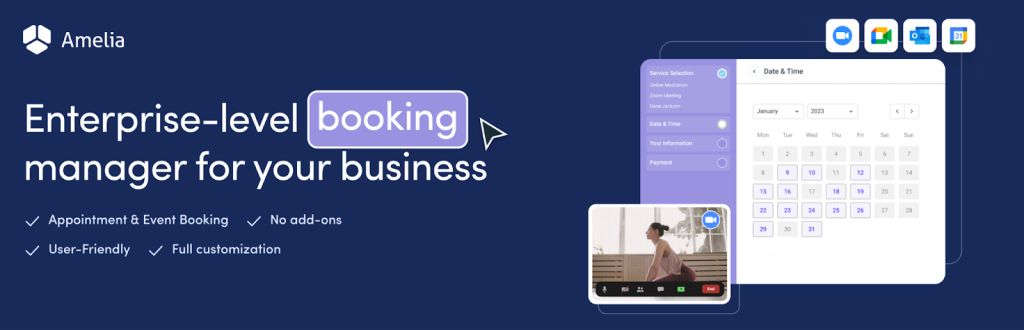
If you run a WooCommerce store that offers services, classes, or appointments, managing online bookings is a must. Customers love the convenience of being able to schedule their sessions directly through your website. That is where the Booking for Appointments and Events Calendar plugin will be helpful in case of WordPress users.
This plugin allows WooCommerce store owners to set up an easy-to-use booking system on their site. It lets customers view available time slots, process payments, and manage their bookings with ease.
It also supports single and recurring appointments, event bookings, and team member scheduling.
7. Sequential Order for WooCommerce
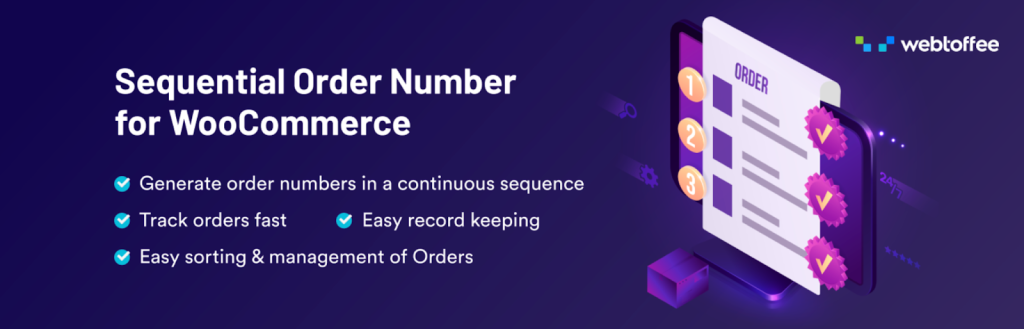
Order management is one of the core functions when it comes down to conducting an online shop. By default, WooCommerce uses non-sequential order numbers, making tracking of orders a nightmare.
The Sequential Order for WooCommerce plugin helps solve this issue through enabling merchants to generate custom, sequential order numbers.
This custom order number plugin replaces the standard WooCommerce order numbering system with a format that can be tailored to your preferences.
Store owners can define order number prefixes, suffixes, and starting points to match their requirements. This makes everything from accounting to reporting and customer communication much simpler.
Key features include automatic sequential numbering, customizable order formats, the option to reset WooCommerce order numbers, and more. This plugin is a great way to streamline order processing and improve record-keeping for WooCommerce stores.
8. Multiple Shipping Addresses for WooCommerce

Online consumers will benefit if they can have goods delivered to different people or sites in a single order. However, in most cases with WooCommerce, an order can only have one shipping address.
The good news is that with the help of Multiple Shipping Addresses for WooCommerce, consumers will be able to include multiple shipping addresses during checkouts.
With this plugin, customers can split their cart into separate payments and set different shipping addresses for individual items in the cart. They can also store multiple addresses in their accounts to make checkouts simpler.
Such a plugin really lifts the shopping experience to another level since customers can order gifts, make business purchases, and stock up in bulk.
9. PDF Invoices and Packing Slips
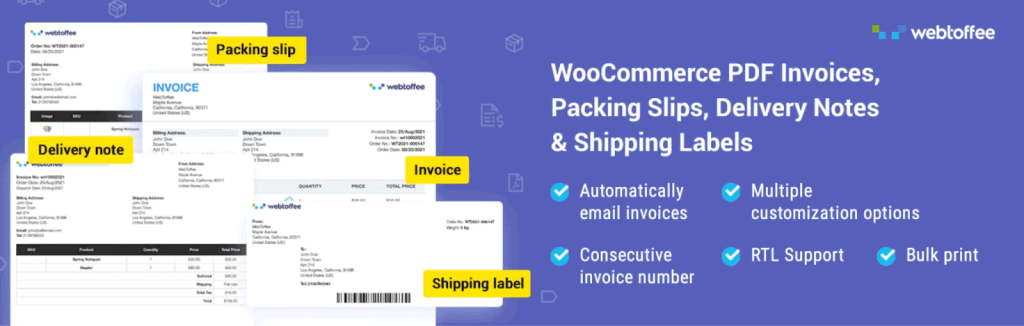
Creating professional, clean PDF invoices and packing slips is quite important for any store that is into wholesale business or deals with international clients.
The PDF Invoices & Packing Slips plugin for WooCommerce makes this task as easy as possible by automatically generating invoice PDFs and attaching them to order emails.
This invoice plugin enables merchants to brand invoice templates according to their identity and creates packing slips. In addition, it allows the bulk download of invoices and ensures those meet the tax and legal requirements.
All this automation frees you from wasting time and allows harmony in the documents.
10. Google Analytics

Knowing your customer’s behavior inside and out goes a long way in maximizing your online store’s performance. While most WooCommerce merchants depend on Google Analytics to keep track of activity on their sites.
They do find setting up hard or end up with partial tracking. The Google Analytics plugin makes setup easier and ensures you capture the right data.
This light tool will enable the store owner to add their Google Analytics Tracking Code without needing to fiddle with site files. Moreover, advanced features of GA4 are also supported, which allow going deeply into insights about user behavior and conversion paths, plus how well your products are performing.
Based on this, the store owner is able to make informed choices and refine their marketing strategies.
11. WooCommerce Shipping Labels
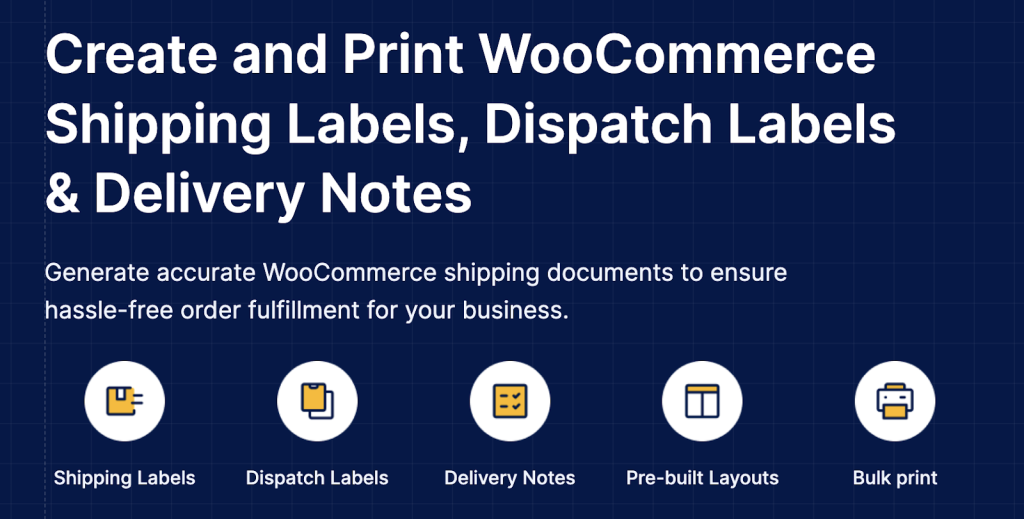
When it comes to efficient order fulfillment, clear, accurate shipping documentation in WooCommerce is crucial. We all know that printing shipping labels and delivery notes for every single order can be a bit of a hassle and often leads to errors.
That’s why the WooCommerce Shipping Label plugin is such a game-changer. It automates the process, making it both more accurate and efficient.
With this plugin, store owners can print their own shipping labels, dispatch labels, and delivery notes all from the same page used when viewing their WooCommerce order list.
Using this plugin, store owners can include their branding in the shipping labels, which can therefore be personalized. When handling a large volume of orders, store owners can make use of the ‘bulk print order delivery notes’ function.
The important features include creating multiple labels, using templates, and being multilingual. It really makes a big difference in streamlining the shipping process and makes sure that all stores have a professional look.
12. Schema & Structured Data for WP & AMP
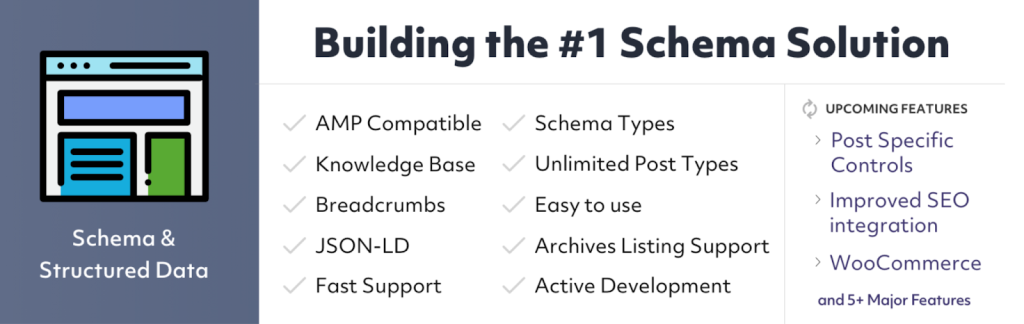
If you want to increase your store’s visibility on search engines, rich snippets and enhanced search results are the way to go.
However, adding structured data can be a bit of a headache and prone to errors. That’s why the Schema & Structured Data plugin is such a lifesaver. It simplifies the process of implementing structured data for your WooCommerce store.
This plugin supports over 35 schema types, including product, review, article, and FAQ. It helps search engines better understand your site’s content, which can improve click-through rates and overall search performance. And the best part?
It works seamlessly with AMP pages, boosting your visibility in mobile search results.
13. User Import Export for WooCommerce
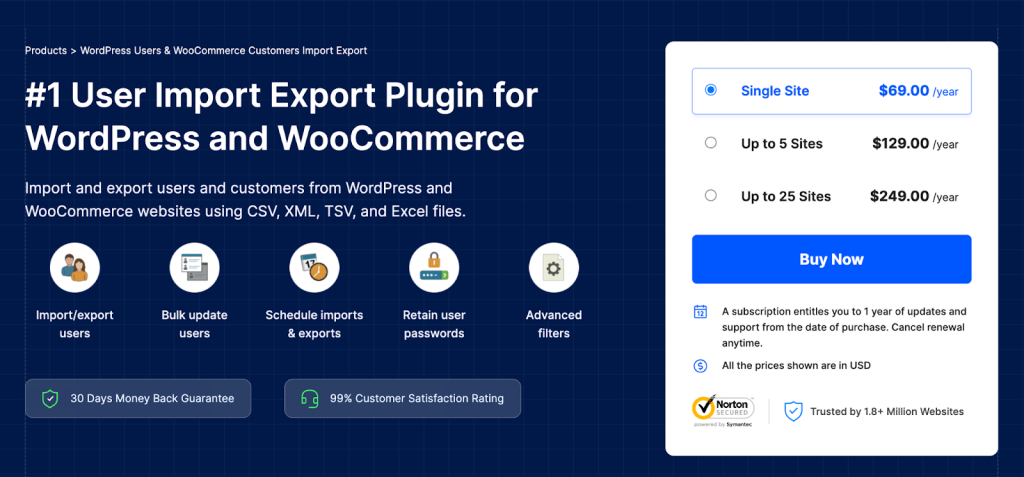
Customer data management extends beyond individual profiles, and theUser Import Export for WooCommerce simplifies bulk import export of user accounts.
Whether you’re migrating from another platform, setting up wholesale customer accounts with specific pricing tiers, or managing a large membership base, this plugin handles user data efficiently through CSV, XML, Excel, and TSV files.
You can transfer complete customer profiles, including billing and shipping addresses, account metadata, user roles, and custom fields.
This becomes particularly valuable when restructuring your customer base, implementing new customer segmentation strategies, or consolidating data from multiple sources.
The user import export plugin maintains data integrity during transfers, ensuring that customer information remains accurate and complete.
14. MainWP Child

Handling a variety of sites on WordPress and WooCommerce can quickly become a nightmare. That is why a plugin called MainWP Child is a complete time-saver.
As stated in this plugin’s description, it aims to connect your WordPress sites to the MainWP Dashboard plugin, which facilitates a whole lot of WordPress sites, including ecommerce sites on WooCommerce.
After you install the MainWP Child plugin, it connects your WooCommerce site to the MainWP Dashboard, allowing you to handle updates, backups, user management, and security monitoring all in one go.
This really helps businesses or agencies that are managing several storefronts by cutting down on the administrative hassle.
15. GDPR Cookie Consent Plugin
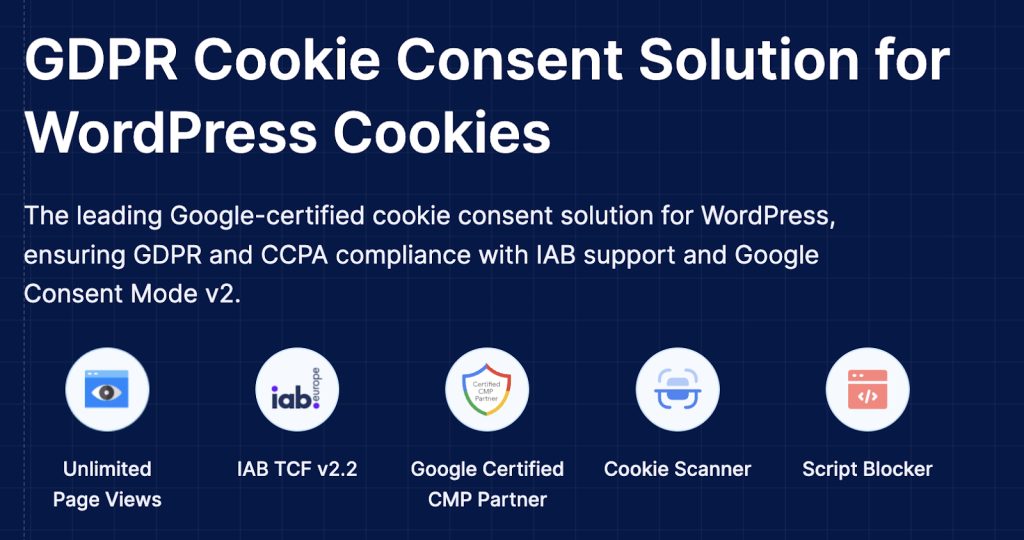
The privacy rules such as GDPR and CCPA imposed on the internet require websites to first get the explicit consent from the users before they can proceed to set their cookies. It is, however, a very big step for the WooCommerce retailers to comply with these regulations as noncompliance can lead to hefty fines.
The GDPR Cookie Consent plugin is one such plugin that takes care of the whole process and thus keeps the website compliant with the cookie rules.
The plugin provides the user with a customizable cookie consent banners and makes the visitor choose whether to accept or decline cookies. It also comes with the feature of the automatic scanning and the categorization of the cookies which is a help to the businesses in being updated with the regulatory requirements.
Moreover, the system is compatible with multilingual stores and is an easy integration with the most used page builders.
A few of the main functionalities are the auto-blocking of third-party cookies, detailed control over cookies, and extensive reports for the consent log. It assures the store owners of worry-free operations and at the same time, provides the customers with a transparent experience.
16. WooCommerce Stripe Payment Gateway

Providing secure and easy payment options is the key to higher conversion rates in any WooCommerce store.
The WooCommerce Stripe Payment Gateway is a tool for the merchants which lets them use the Stripe secure payment gateway for credit card payments on their websites without any inconvenience.
The plugin also opens up the possibility of one-click payments, Apple Pay, Google Pay, and numerous local payment methods among others. Some of the advantages of retaining customers on your site during checkout include reduced cart abandonment rates and improved shopping experience.
Moreover, all the transactions are safeguarded by the advanced fraud detection system of Stripe which provides an extra layer of security.
17. Product Import Export for WooCommerce
If you have a big catalog in your WooCommerce store, you are certainly aware of the difficulties involved in managing product data.
Bulk importing and exporting might get you through the process but it will be very time-consuming and you might also make mistakes in the process if you do it manually.
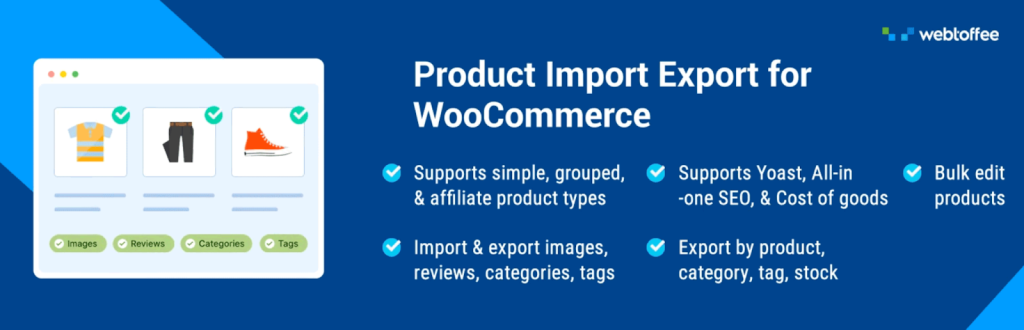
Fortunately, the Product Import Export for WooCommerce plugin has arrived to your rescue, thus taking off the burden of product data handling in large quantities in a more convenient way.
The WooCommerce Product Import Export plugin allows its users to effortlessly export their product lists in CSV, XML, TSV, or Excel formats, this is a great feature for not only backups but also when you need to migrate data.
It comes along with the product data import support that makes updating your catalog very easy. No matter how many product types you are handling from simple, variable, grouped products, or more, this plugin is here to help you.
The principal characteristics are the scheduling of imports and exports, and accompanying automatic column mapping. Consequently, a huge amount of time can be saved and errors minimized in the course of the product data management process.
18. Accessibility Toolkit by WebYes

Accessibility Toolkit is a WordPress plugin that simplifies accessibility compliance for website owners. It provides an intuitive set of options that modify your site’s markup and behavior to meet WCAG 2.1, ADA, and EAA standards enhancements.
It makes include improving keyboard navigation, adding skip-to-content links, visible focus indicators, labeling forms, adding ARIA attributes to links, and other mobile zoom support-all meant to enable you to be more inclusive and to provide more use for your website.
Therefore, this WordPress Accessibility plugin provides the ability to manually inject accessibility-friendly configurations in any WordPress theme or builder.
It also includes tools like an Accessibility Statement Generator to help testify to your legal and ethical commitment to accessibility.
While it does not guarantee full compliance on its own, Accessibility Toolkit makes it easier to implement best practices, breaking down barriers for users with disabilities and building a solid foundation for global accessibility requirements.
19. WooCommerce Product Feed
When marketing products through various sales channels, feed products which are accurate and optimized are a must. However, managing this process can often be like walking a tightrope, demanding a lot of time and taking a toll on you.
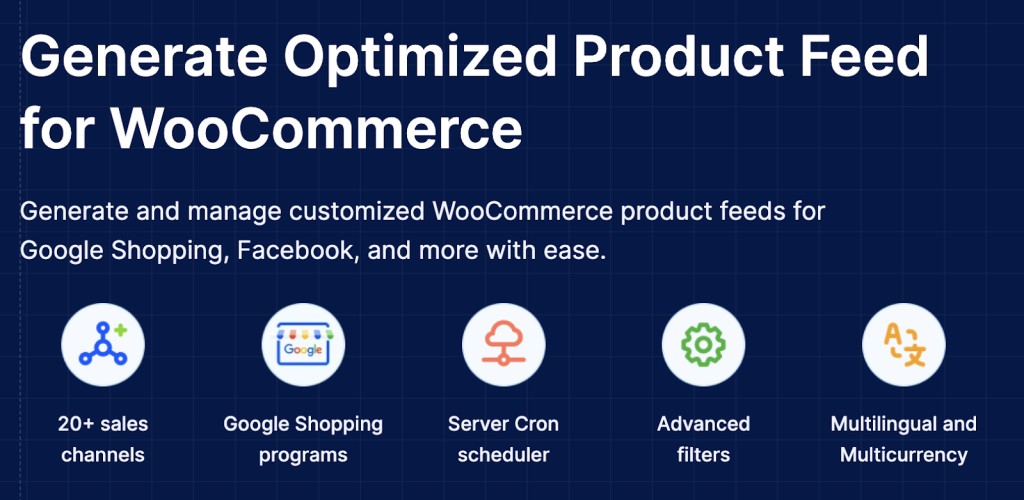
The reason for that is the WooCommerce Product Feed plugin which is a real blessing in disguise. It allows hassle-free creation of the best product feeds for the likes of Google Shopping, Facebook, Bing, and others.
This plugin empowers merchants to generate optimized feeds that are optimized, giving them the chance to customize fields and use filters. It guarantees that the product information is always up to date in all your marketing channels which makes the visibility and sales performance really high.
Furthermore, it offers the possibility of advanced mapping of the categories to adapt to the requirements of each channel. The key features consist of automated feed updates alongside detailed feed configuration.
Conclusion
Picking the right plugins makes a difference in how successful your WooCommerce store becomes. As you can most likely tell, a solution exists for nearly all elements of handling your store in the eCommerce niche, including search engine optimization and product management, along with customer service and staying informed about laws and regulations.
The plugins that were discussed above are trusted by thousands of merchants and have already proven their effectiveness in a real eCommerce market. However, you should always remember that each store is unique, which means that each business will have a different setup with plugins.
Begin with identifying where your store is most in need, and pick plugins accordingly.